Quick Summary
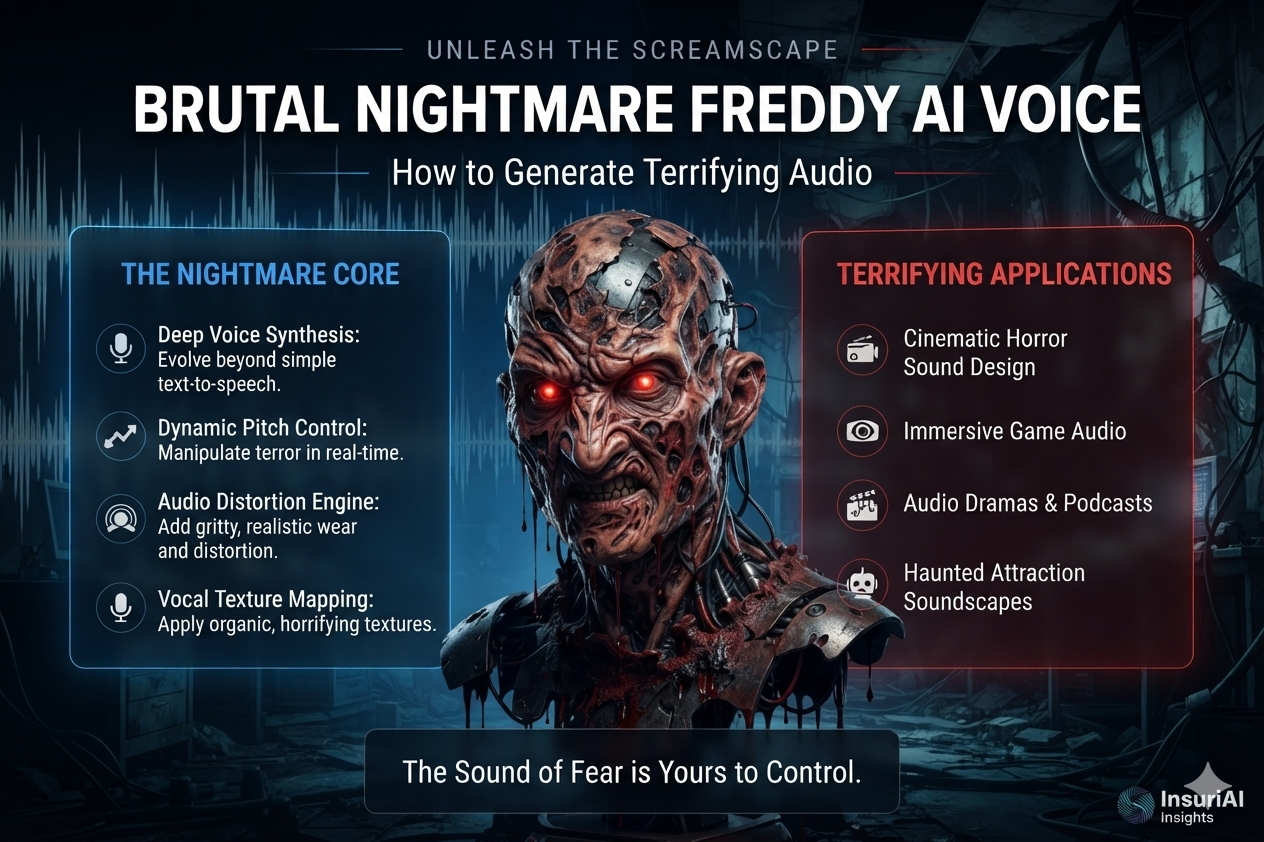
The Nightmare Freddy AI voice replicates the deep, gravelly, and robotic tone of the iconic horror animatronic from Five Nights at Freddy’s 4. Using modern deep learning models, generative audio platforms, and pitch-modulation software, creators can convert written text or clean audio recordings into customized monster voices. Whether you are producing YouTube horror stories, developing indie horror games, or generating voiceover files, AI voice tools make it possible to achieve studio-quality character voices in seconds.
Table of Contents
- What is Nightmare Freddy AI Voice?
- The Science Behind AI Voice Generators
- Top AI Tools for Creating Nightmare Freddy’s Voice
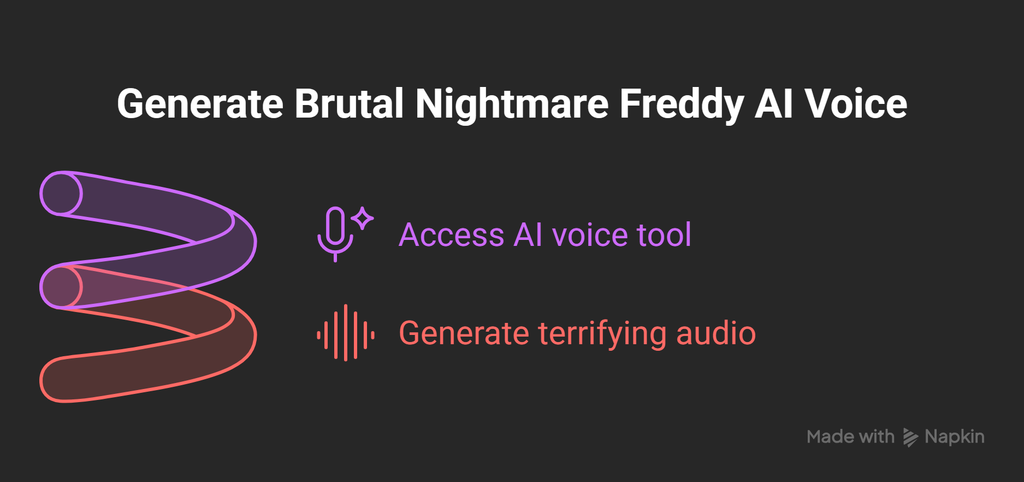
- Step-by-Step Guide: How to Create Nightmare Freddy’s Voice Using AI
- Customizing Voice Effects for Deep and Scary Characters
- Key Applications: YouTube, Gaming, and Horror Content
- Frequently Asked Questions (FAQs)
- Conclusion
What is Nightmare Freddy AI Voice?
The Nightmare Freddy AI voice refers to digital speech synthesized to mimic the dark, sinister tone of Nightmare Freddy—a central antagonist in Five Nights at Freddy’s 4. Known for his deep, rasping acoustic profile, metallic resonance, and menacing delivery, this character’s sound is a staple in horror content creation.
AI voice synthesis allows creators to recreate this specific character voice without needing high-end recording gear or specialized voice actors. By training AI models on existing voice datasets or applying neural pitch-shifting to text-to-speech engine outputs, modern platforms render lifelike, terrifying audio files instantly.
The Science Behind AI Voice Generators
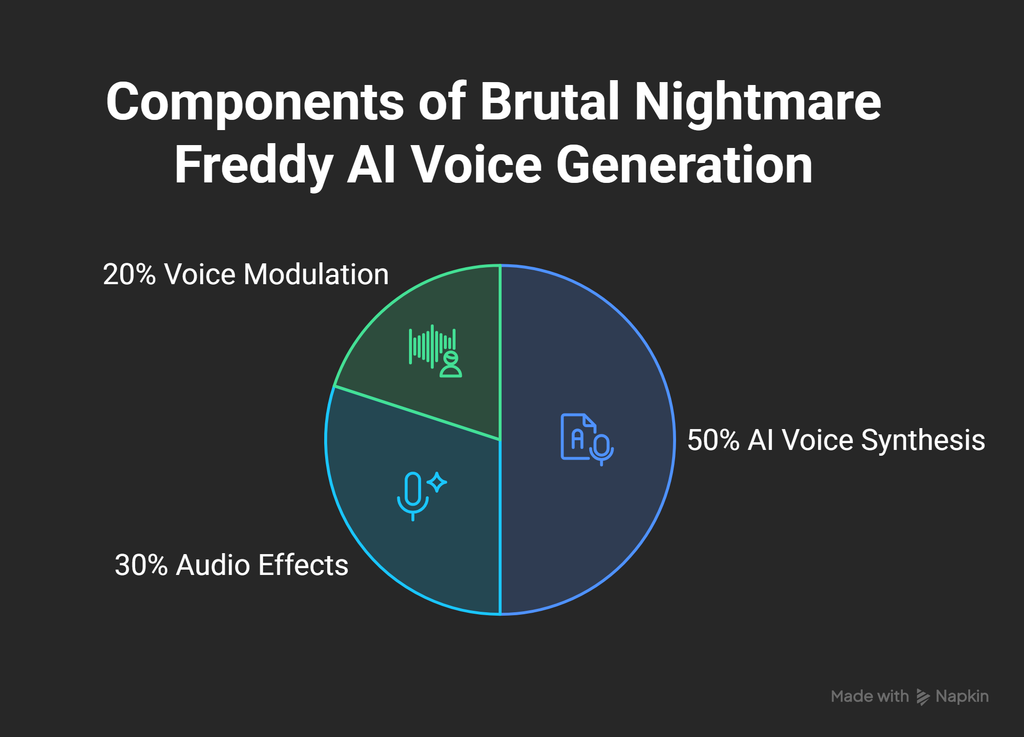
Understanding how Nightmare Freddy AI voice works requires looking at recent advancements in AI voice synthesis for characters. Modern AI voice engines rely on three core components:
- Neural Speech Synthesis: Text-to-speech (TTS) engines process written text into phonetic structures, generating raw acoustic waveforms using deep learning models trained on human speech.
- Voice Conversion (RVC / SVC): Retrieval-based Voice Conversion algorithms map source audio onto a target voice model. This preserves emotional nuance, pauses, and cadence while changing the underlying timbre to match Nightmare Freddy.
- Digital Signal Processing (DSP): To achieve the signature mechanical growl, the raw AI output passes through pitch modulation, sub-bass boosting, and subtle bitcrushing to mimic metallic resonance.
Top AI Tools for Creating Nightmare Freddy’s Voice
Several platforms offer accessible, high-performance tools for generating horror character audio.
| Tool Name | Best Feature | Access Model | Primary Use Case |
| ElevenLabs | Ultra-realistic voice cloning & emotional expression | Free tier available / Paid | High-quality text-to-speech narration |
| Voice.ai | Real-time voice conversion & community model library | Free with credits / Paid | Live streaming and Discord voice transformation |
| Fish Audio | Pre-trained Nightmare Freddy community models | Free / Paid | Quick character voice generation |
| Voicemod | Real-time pitch shifting and voice-lab customization | Free basic / Pro | Live gaming and instant audio effects |
Step-by-Step Guide: How to Create Nightmare Freddy’s Voice Using AI
Generating custom horror speech is straightforward using online AI voice generators. Follow this step-by-step workflow:
- Select an AI Voice Platform: Choose a text-to-speech generator like ElevenLabs or a real-time voice transformer like Voicemod or Voice.ai.
- Input Your Script or Audio: Enter your written text into the TTS prompt box, or upload a clean voice recording for voice-to-voice conversion.
- Choose or Train the Voice Model: Search the public voice library for “Nightmare Freddy” or select a base deep monster voice.
- Adjust Voice Parameters: Lower the pitch setting by 2 to 4 semitones and increase stability/roughness controls to emphasize the raspy quality.
- Render and Download: Generate the audio sample and download the final
.wavor.mp3file to your computer.
Customizing Voice Effects for Deep and Scary Characters
To answer a common creator question—can AI make a deep Nightmare Freddy voice?—yes, but fine-tuning parameters makes a major difference in realism:
- Pitch Shifting: Lowering the fundamental frequency ($F_0$) creates an instantly deeper, more imposing presence.
- Reverb and Echo: Adding short room reverb creates an ominous, enclosed hall effect that matches dark corridors or haunted settings.
- Sub-Harmonic Distortion: Introducing subtle overdrive accentuates low-end growls without distorting word clarity.
- Whisper Blend: Layering a quiet, raspy track underneath the primary vocal track increases the sense of threat.
Key Applications: YouTube, Gaming, and Horror Content
The role of AI in entertainment and character voices continues to expand rapidly. Creators leverage Nightmare Freddy AI voices across several major content formats:
- YouTube Videos: Horror narrators, lore analysts, and animators use AI speech to voice character dialogues without hiring studio voice actors.
- Indie Game Development: Game developers integrate Nightmare Freddy audio clips directly into game engines like Unreal Engine and Unity for enemy dialogue and jumpscare cues.
- Live Streaming: Content creators use real-time voice transformation during live gameplay or interactive horror streams.
Frequently Asked Questions (FAQs)
Is there a free Nightmare Freddy voice generator?
Yes. Platforms like Fish Audio and Voice.ai offer free tiers or credit systems that allow you to generate Nightmare Freddy voice clips without an upfront subscription.
How do I turn text into Nightmare Freddy’s voice?
You can turn text into Nightmare Freddy’s voice by using an AI Text-to-Speech (TTS) engine. Simply paste your script, select a deep horror character model, apply pitch modulation, and render the text into downloadable audio files.
Where can I make Nightmare Freddy AI voice online?
You can access Nightmare Freddy AI voice generators online through platforms like ElevenLabs, Fish Audio, Voice.ai, or Voicemod VoiceLab.
Can I download Nightmare Freddy AI voice files for personal projects?
Yes. Most AI voice tools allow users to export generated audio as .mp3 or .wav files, which can then be imported into editing software like Premiere Pro, Audacity, or CapCut.
Conclusion
The evolution of AI voice synthesis has simplified the process of generating iconically terrifying character voices like Nightmare Freddy. By pairing deep learning text-to-speech tools with custom voice effects, creators can produce cinematic-grade horror audio quickly and affordably. Whether you are building fan games, recording YouTube horror stories, or experimenting with digital voice conversion, modern AI platforms provide all the tools required to bring scary characters to life.